

Overview
Your storefront is the public website Knead builds for your bakery — a real, shareable website with your logo, your products, and your contact form, no web designer required. It lives at your own address, works on phones, and needs no login for customers to browse. Think of it as your bakery’s home on the internet.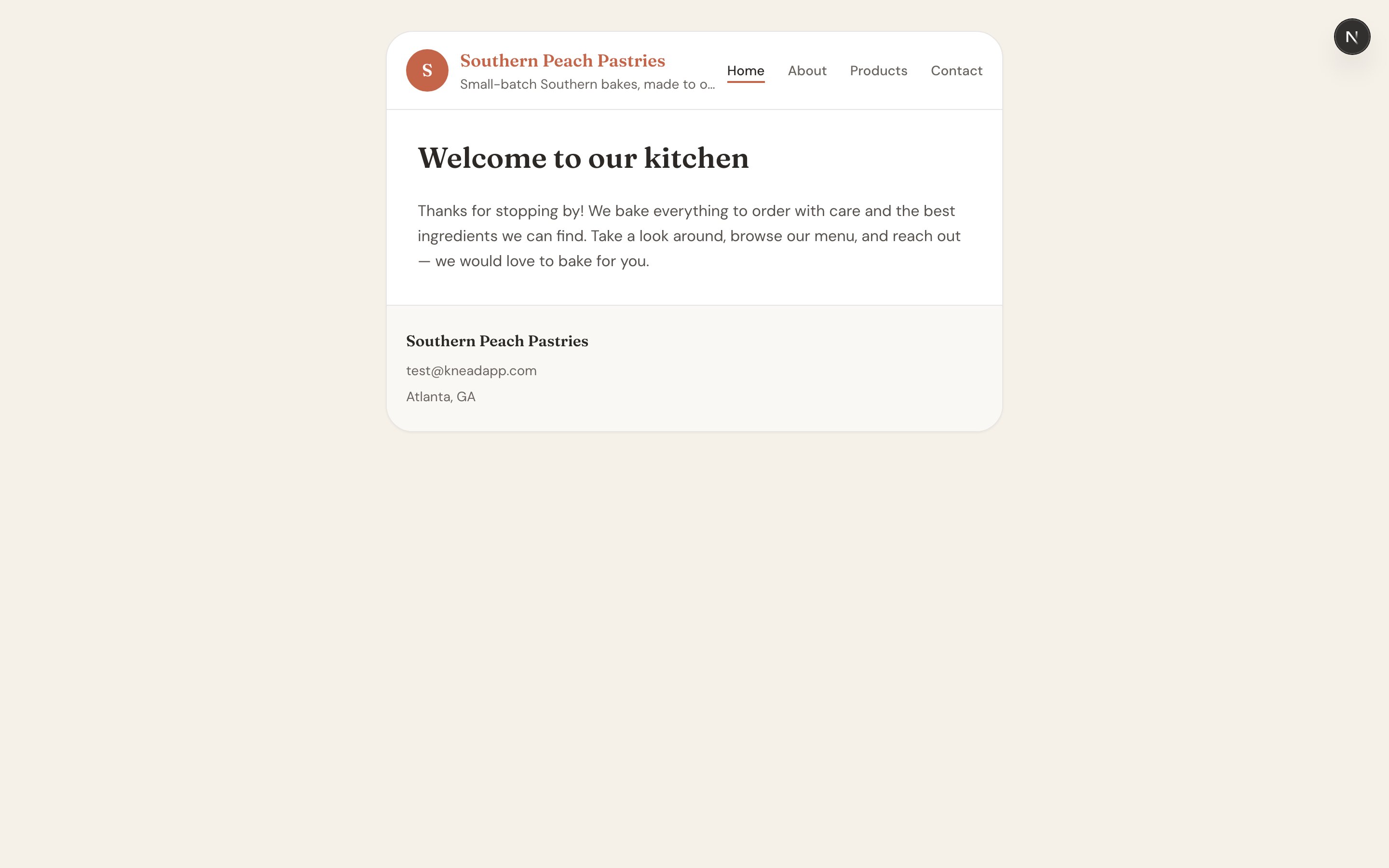
Where Your Storefront Lives
Your website’s address is:southern-peach, her storefront is at kneadapp.co/site/southern-peach. This address works today and is the one to share with customers.
Good to know: A shorter vanity address like
your-name.kneadapp.co is on the way. Until it ships, the /site/{slug} address above is the live, working link.Your Four Built-In Pages
When you sign up, Knead automatically creates and publishes four pages so your site is live from day one:- Home — your landing page, with your banner, tagline, and a warm welcome.
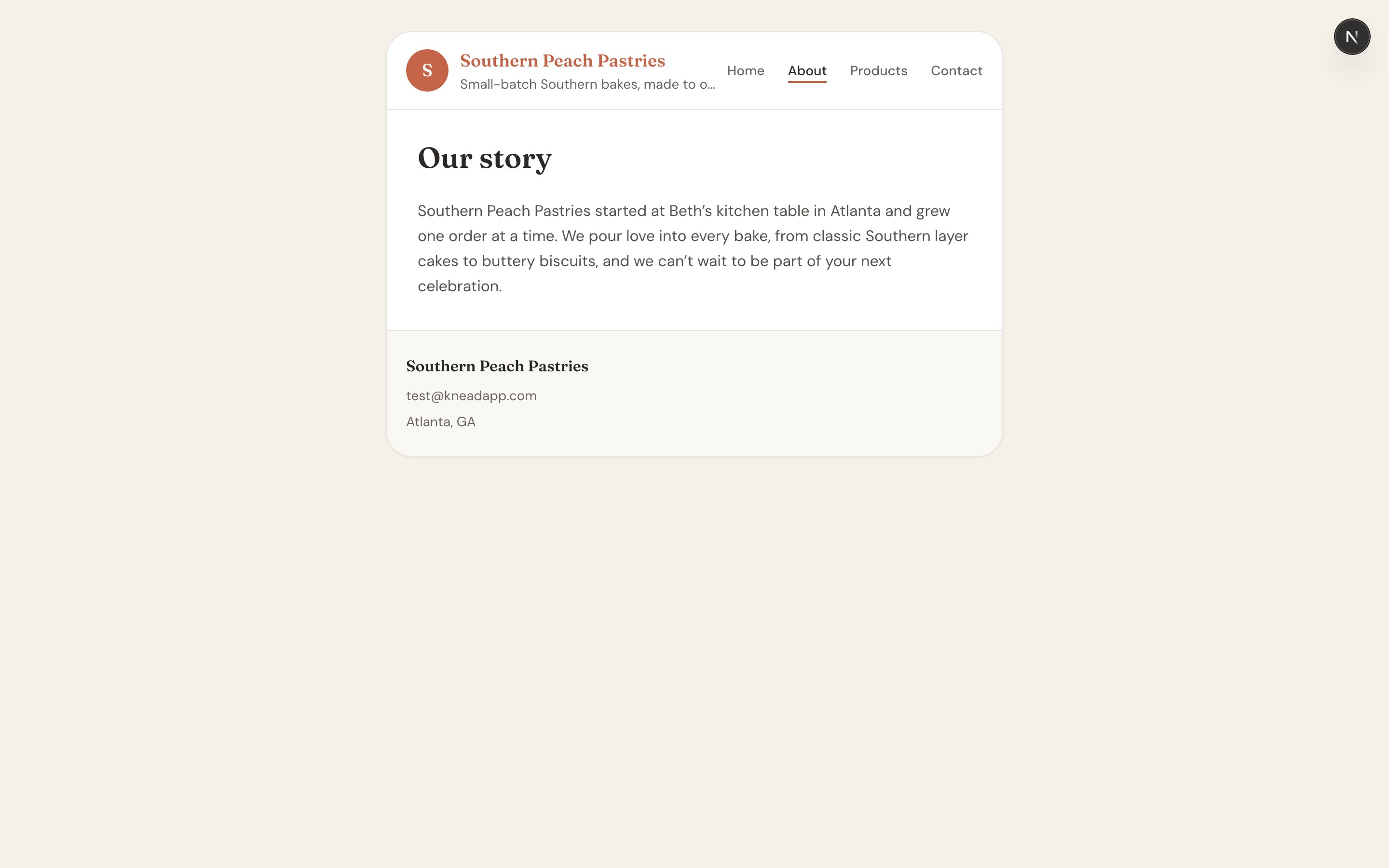
- About — your story: who you are and what you bake.
- Products — your shoppable online menu.
- Contact — a contact form that reaches your inbox.
What Customers See
A visitor lands on a clean, themed site that matches your brand:- A header with your logo, business name, tagline, and navigation built from your published pages.
- Your page content — text, images, and your product menu.
- A footer with your email, phone, and your city and state.
Sharing Your Storefront
Put your storefront link everywhere customers find you — your Instagram bio, Facebook page, business cards, and email signature. It’s a friendlier front door than a raw order form: customers can read your story, browse your menu, and reach out, all in one place. For more on where and how to share, see Sharing Your Order Link.Related Articles
- Customizing Your Look & Feel
- Managing Your Website Pages
- Your Online Menu
- Your Contact Form
- Customizing Your Public URL
- Sharing Your Order Link
Still need help? Contact us