

Overview
Every invoice you send carries a permanent pay link — a single web address your customer can open to pay by card. It’s the same link behind the Review and pay button in the invoice email, but you can also copy it and share it however you like: a text, a DM, an email, wherever your customer actually reads their messages. This article shows how to grab it and what your customer sees when they tap it.Opening or Copying the Link
From any sent invoice you have two options:- Pay online — opens the pay page yourself (handy for showing a customer at pickup or checking that everything looks right).
- Copy payment link — copies the link to your clipboard so you can paste it into a text, DM, or email.
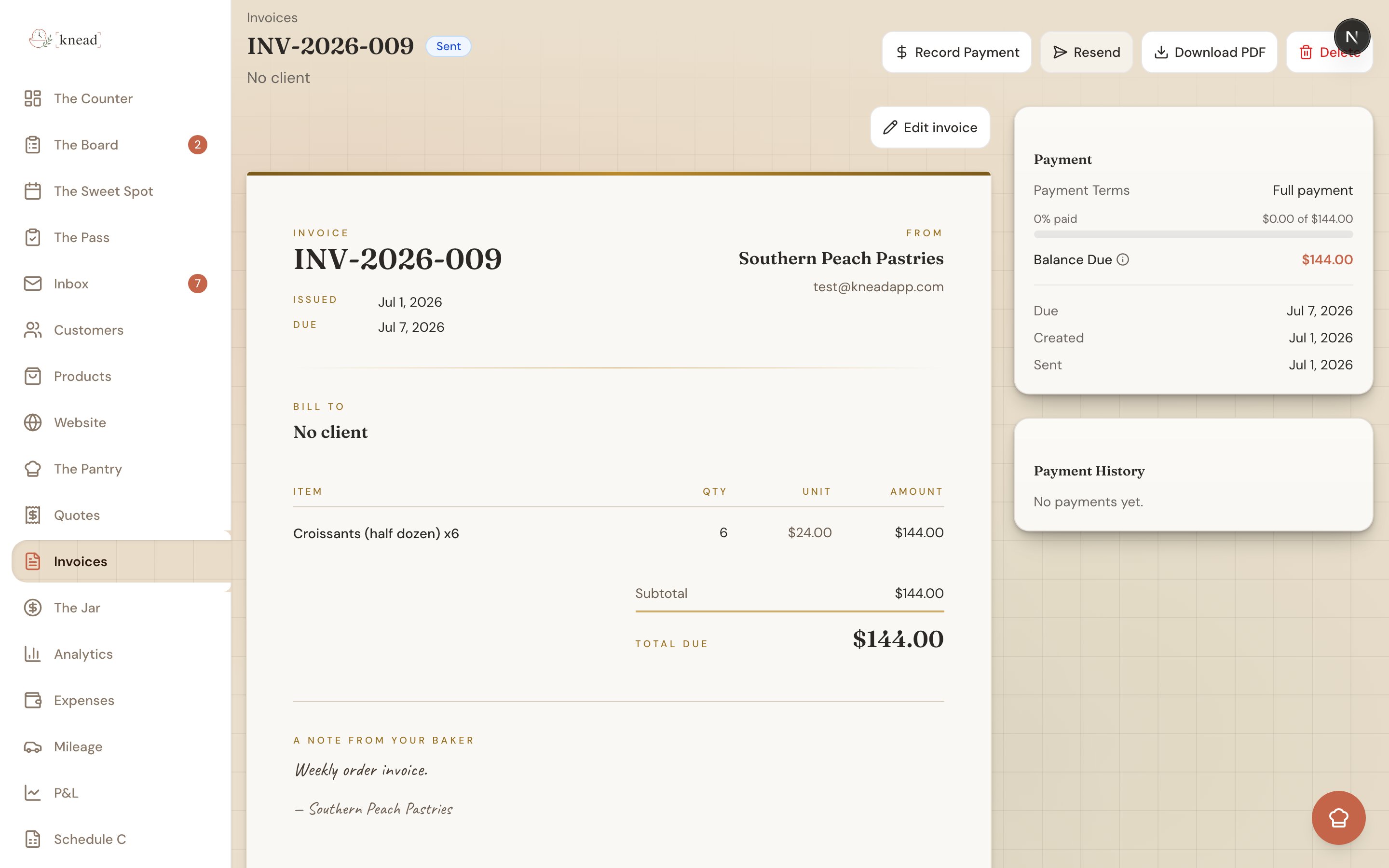
The Link Never Expires
You don’t have to worry about a link going stale. Each time your customer opens it, Knead spins up a fresh secure Stripe checkout — so the same link still works days or weeks later. Send it once and it keeps working until the invoice is paid.What Your Customer Sees
When your customer taps the link:- If there’s a balance owing, a secure Stripe checkout opens so they can pay by card. If you take Venmo, that option is offered too.
- If they’ve already paid, they land on a friendly “Payment received!” page — no confusion, no accidental double payment.
Good to know: Card payment needs Stripe connected on your account. If you haven’t set that up yet, see Setting Up Stripe (Payment Processing).
Related Articles
- Creating and Sending Invoices
- Setting Up Stripe (Payment Processing)
- Recording Manual Payments
- Understanding Processing Fees
- Payment Reminders
Still need help? Contact us