

Overview
Knead has a plan for every stage of your baking business — from your very first custom order to a full production schedule. You can start free, and you only move up when you’re ready for more. This page walks through every plan, what’s included, and how to choose. Knead never takes a commission. Card fees go to Stripe, not to us. You keep 100% of every sale, on every plan, forever.How Pricing Works
Knead uses a tiered subscription. Each tier unlocks more as your business grows, billed monthly or yearly — no per-order charges, no hidden fees, and yearly costs less than paying month to month. For current prices, see kneadapp.co.Good to know: Prices and plan names can change over time, so this page describes what each plan includes rather than what it costs. The website always has the current numbers.
Your Free Trial
New bakeries start with a free trial that unlocks everything Knead offers, so you can take real orders and try the full toolkit with no limits. The trial is time-limited. When it ends, you’re not locked out — your account simply moves to the Free plan, and all your data stays exactly where it is. Upgrade whenever you’re ready.The Plans
Free
The Free plan is a real, permanent home for your bakery — not a countdown. You get 5 orders per month and almost everything else: your order form (The Board), order management, real invoices with deposits and card payments, the Sweet Spot capacity calendar, your products and recipes with true-cost pricing, your client list, your inbox, a basic version of The Counter with the four core alerts — and your full bookkeeping, including the Schedule C worksheet at tax time.Bookkeeping is free on every plan, including Free. That covers day-to-day expenses, receipts, and mileage as well as the year-end reports — your Schedule C worksheet, profit and loss, 1099-NEC, and accountant export.
Starter
Everything in Free, with the ceiling lifted. Starter gives you unlimited orders, the full Morning Briefing on The Counter, customer quote approval so clients can sign off on estimates in a tap, the Gmail add-on, and priority support when you need a hand.Growth
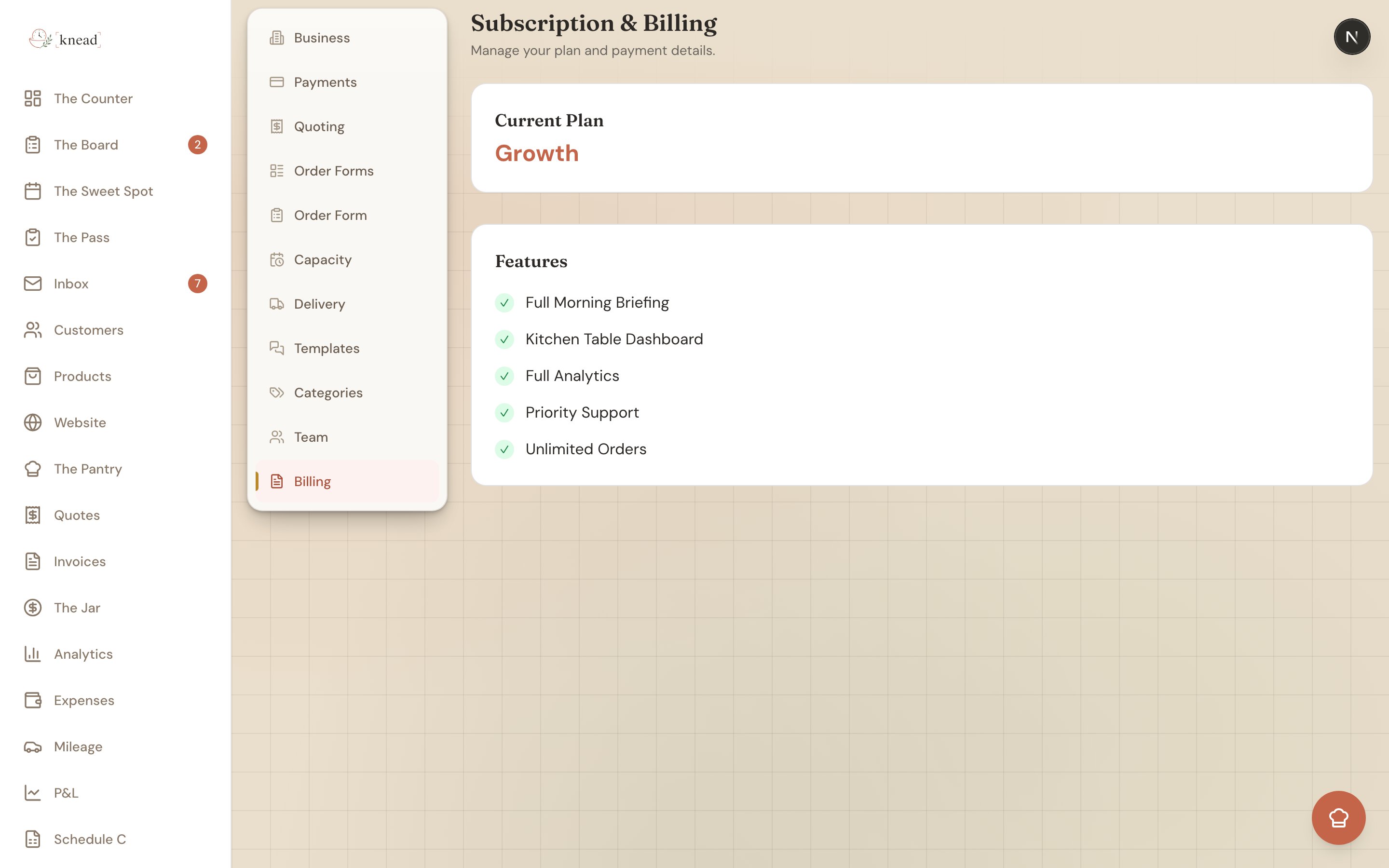
Everything in Starter, plus the tools built for a business that’s really humming: Sous Chef, your in-app AI assistant that answers questions and takes simple actions for you; the full Analytics dashboard for a clear read on revenue and your best-selling products; follow-up nudges and customer milestones that help you win repeat business; and a seat for your helper (3 total).Which Plan Is Right for You?
- A few orders a month? Stay on Free. Five orders a month runs a real bakery, and it never expires.
- A couple of orders a week — when it stops fitting in your head? Move to Starter. Unlimited orders and the complete Morning Briefing turn Knead into your daily hub.
- Booking something every other day? Choose Growth for Sous Chef, the full analytics picture, and a seat for your helper.
What Counts as an Order
Only orders you accept count toward the Free plan’s monthly limit. Inquiries that come in are never counted, declined requests are never counted, and orders you import from a previous tool are never counted. The count resets at the start of each month. If you reach five in a month, nothing breaks — requests keep landing in your inbox, and you decide what to do next.Stripe Fees Are Separate
Your Knead subscription covers the platform. Payment-processing fees from Stripe are separate and charged by Stripe directly on each transaction — Knead does not add any markup to Stripe’s rates, and takes no commission of its own. For a full breakdown, see Connecting Stripe.Managing and Upgrading
All plan changes happen at Settings → Billing, which the account Owner manages. Upgrading opens a secure Stripe Checkout page, and your new plan unlocks immediately. If your free trial has expired, a self-serve upgrade prompt makes it a one-tap move. If you subscribed through the iOS app, your plan is billed by Apple and managed in your App Store subscription settings rather than in Knead.Good to know: If you cancel a paid plan, your account becomes read-only — you can still sign in and view all your data, but you can’t create or edit until you resubscribe. Nothing is ever deleted, and you can export everything at any time on any plan.
Related Articles
- Upgrading Your Plan
- Managing Your Subscription
- Team Members and Roles
- Sous Chef: Your AI Assistant
- Understanding Your Analytics
- Cancellation and Data Export
Still need help? Contact us