

Overview
Knead keeps a detailed history of changes to your ingredients. Every time you update an ingredient’s cost, quantity on hand, supplier, or other fields, the change is recorded with a timestamp. This gives you a complete audit trail so you can see when prices changed, who updated stock levels, and how your costs have shifted over time.What Gets Tracked
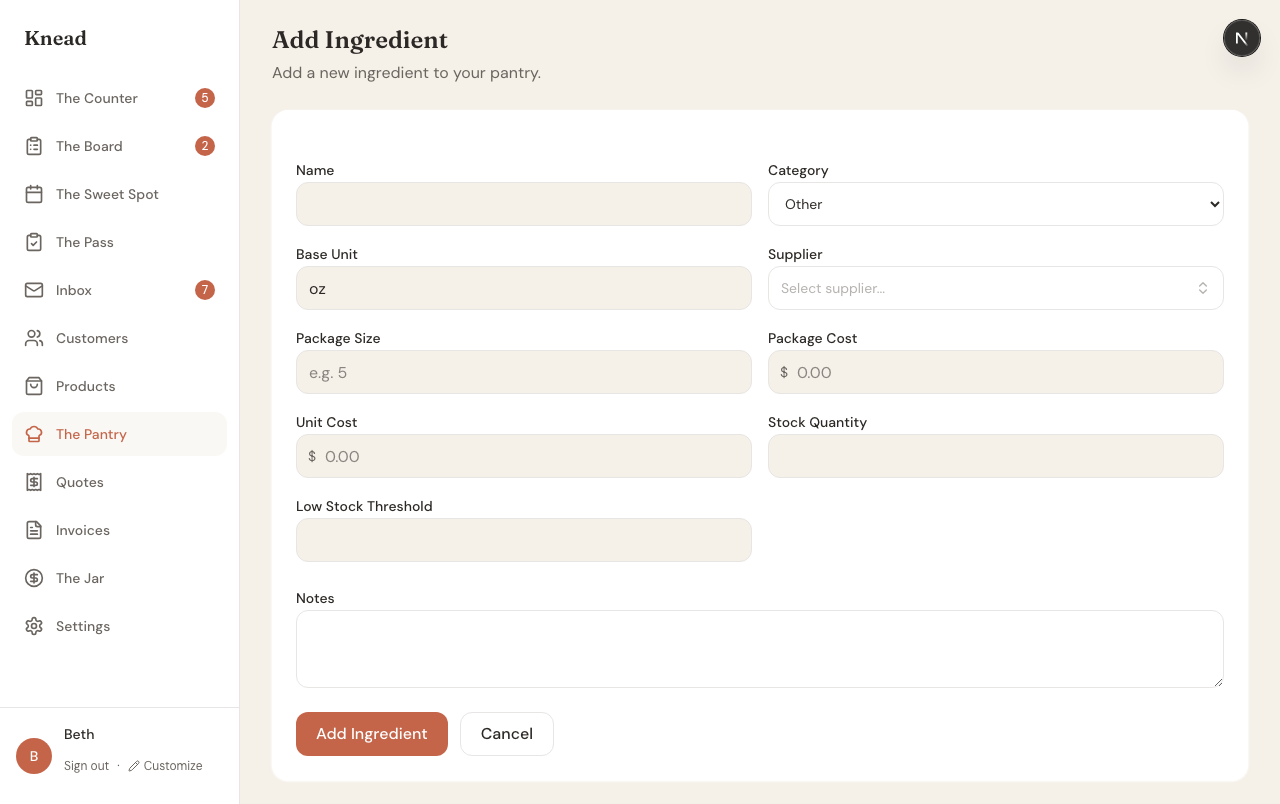
Change history is recorded at the field level. This means Knead does not just log that an ingredient was edited — it records exactly which field changed, what the old value was, and what the new value is. Tracked fields include:- Cost per unit — See how your ingredient costs have changed over time.
- Quantity on hand — Track stock adjustments and inventory corrections.
- Supplier — Know when you switched suppliers.
- Unit of measurement — See if the unit was changed.
Viewing Change History
- Open The Pantry from the sidebar.
- Tap on any ingredient to open its detail page.
- Scroll to the change history section.
- Date and time of the change.
- Field that was modified.
- Previous value and new value.
Why Change History Matters
Track Cost Trends
Ingredient prices fluctuate. Change history lets you see exactly when butter went from $4.50/lb to $5.25/lb, so you can trace how your recipe costs changed over time and decide if you need to adjust product pricing.Audit Stock Adjustments
If your quantity on hand seems off, check the change history to see every adjustment. This helps you identify whether stock was manually corrected, depleted by orders, or updated during a purchase recording.Informed Purchasing Decisions
Seeing a pattern of price increases from a supplier? The history makes it visible so you can shop around or buy in bulk before the next price hike.Related Articles
- Tracking Ingredients in The Pantry
- Reference Ingredients
- Recording Purchases
- Setting Prices and Understanding Margins
Still need help? Contact us