

Overview
Your online menu is the Products page of your storefront — a searchable, browsable catalog of what you bake. Customers can explore your products by category, open any item to see the details, build it with options and add-ons, and watch the price update live. When they’re ready, one button takes them straight to your order form.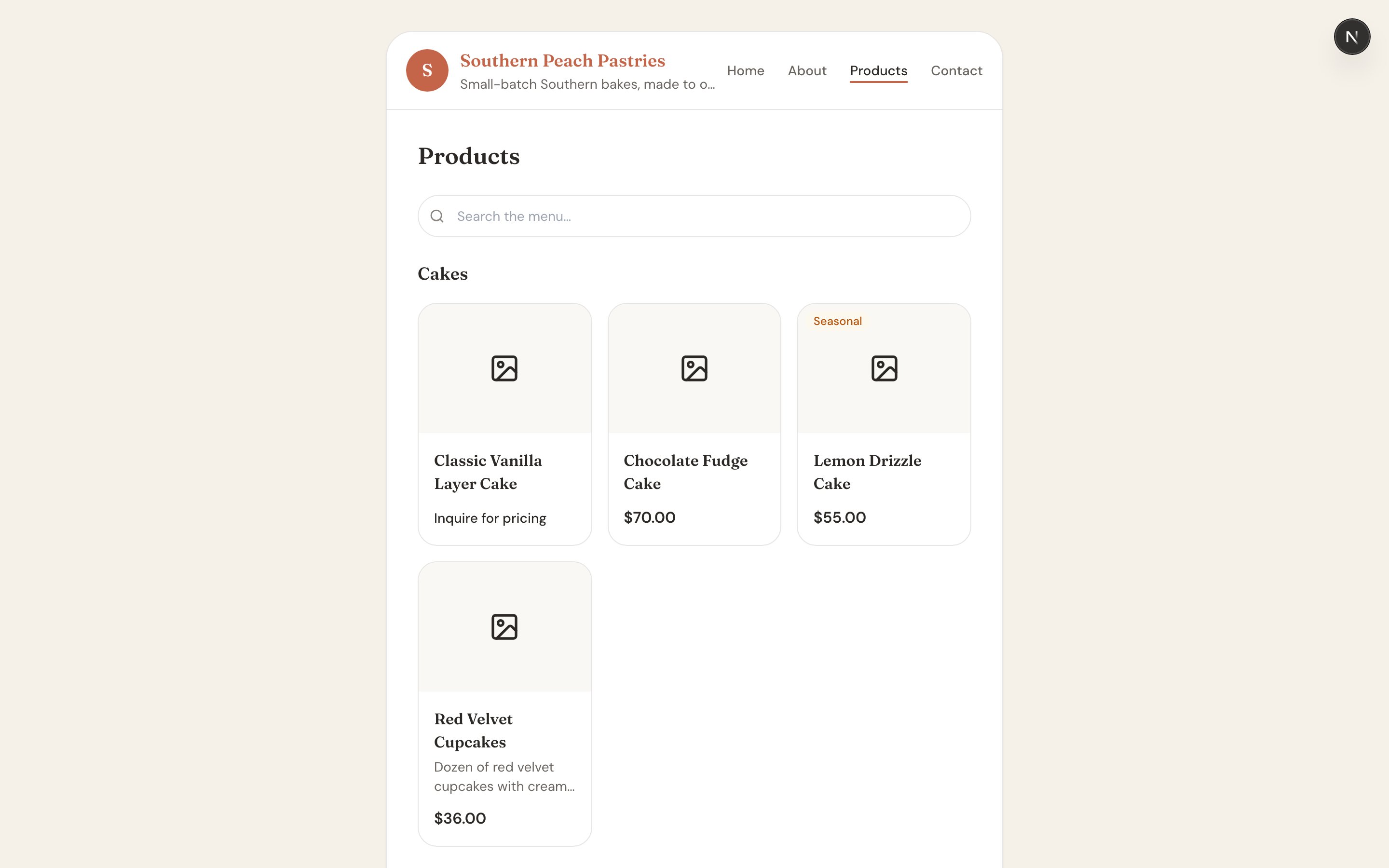
Where It Lives
Your menu is at:What Shows Up on Your Menu
Your menu doesn’t automatically list everything in your catalog — you choose. A product appears on your storefront only when its “Customers can request this” toggle is turned on in the product form. Leave that toggle off for anything you make privately or don’t want to advertise.Good to know: To learn how to build products and flip on “Customers can request this,” see Building Your Product Catalog.
Product Badges
Products can carry a badge so customers know what to expect at a glance:- Seasonal — an item you offer only part of the year.
- Currently unavailable — an inactive product, shown but not orderable right now.
- Request a quote — an inquiry-only product with no fixed price. See Price Ranges & Inquiry-Only Products.
The Product Detail Page
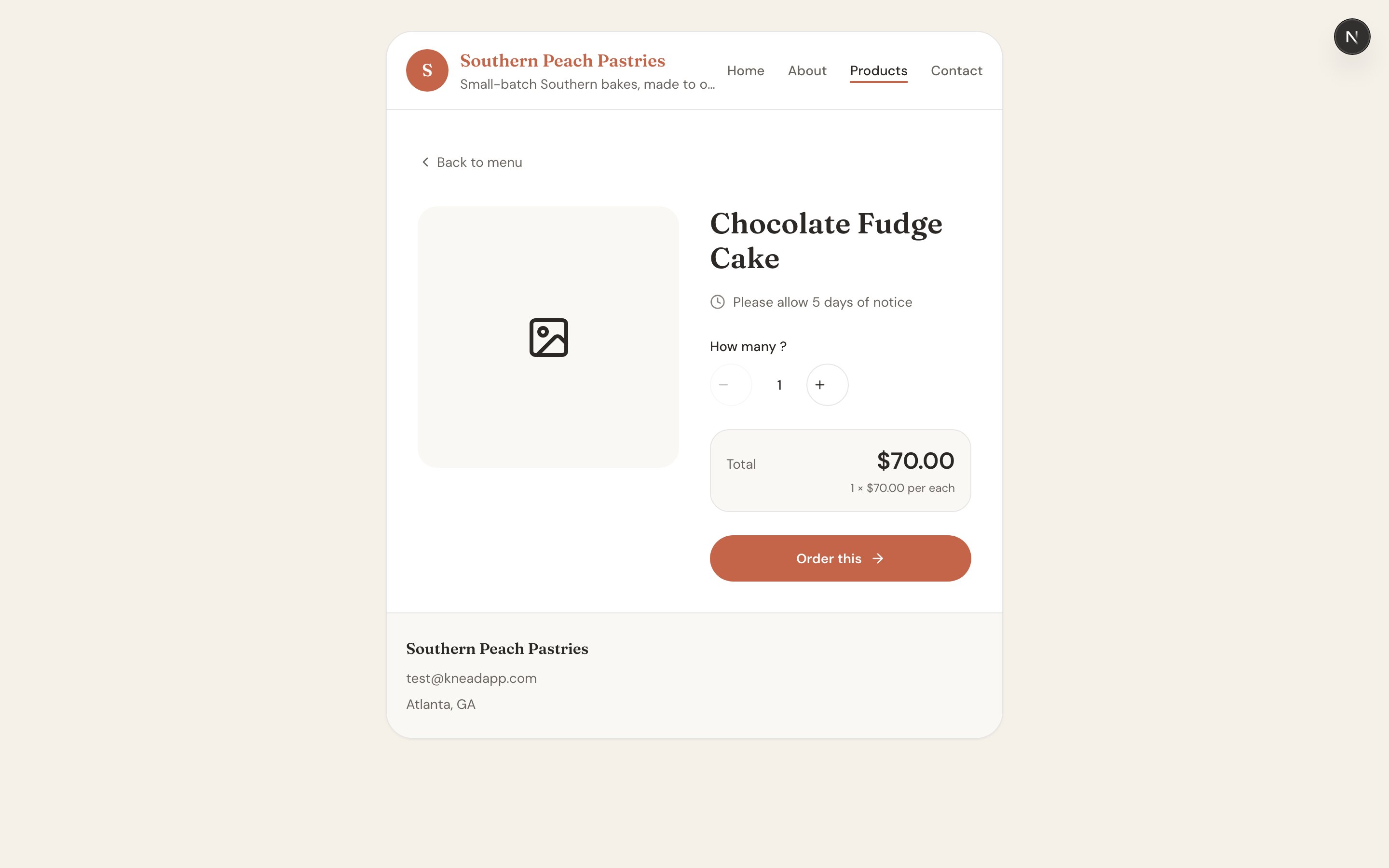
Tap any product to open its detail page at/site/{slug}/products/{id}. This is where a customer really gets to know a bake:
- A photo gallery of your product.
- The description you wrote.
- Lead-time and minimum-order notices, so expectations are clear up front.
- An interactive options, add-ons, and quantity picker with a live price that updates as they choose.
Ordering From a Product
At the bottom of the detail page is the action button:- Order this — for a normal product. It carries the customer’s choices over to your order form.
- Request a quote — for inquiry-only products, so the customer can ask for a custom price.
Related Articles
- Your Online Storefront
- Building Your Product Catalog
- Price Ranges & Inquiry-Only Products
- Managing Your Website Pages
- How The Board Works
Still need help? Contact us