

Overview
Your storefront’s Contact page gives customers an easy way to reach you without hunting for an email address. When someone fills it out, their message lands in your Knead inbox as a brand-new conversation — and they get an automatic reply letting them know you received it. It’s the front door for questions, custom requests, and hellos.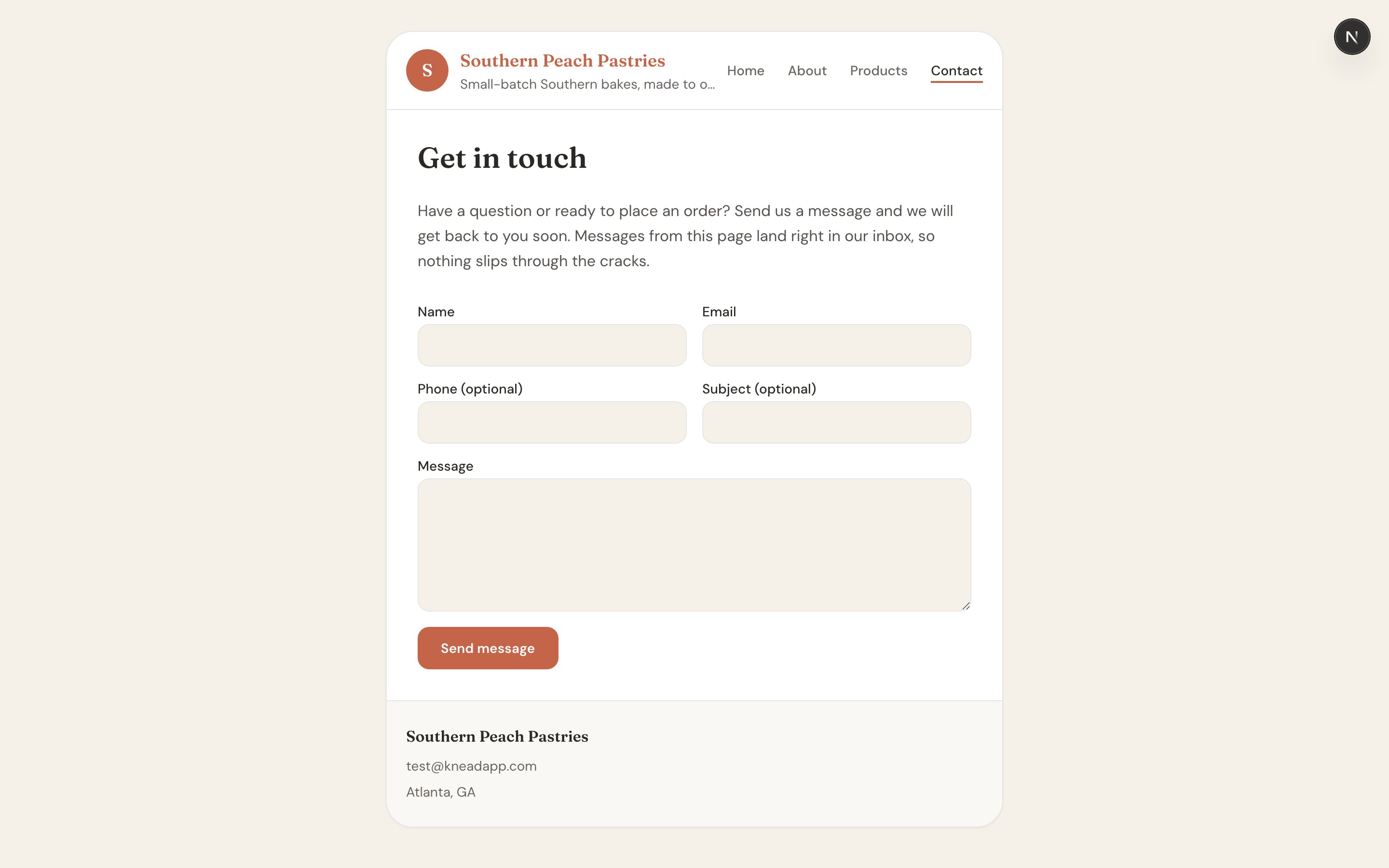
Where It Lives
Your contact form is at:What the Customer Fills Out
The form asks for the essentials:- Name
- Phone
- Subject
- Message
Where Submissions Go
Every submission arrives in your Knead inbox as a new conversation, right alongside your other customer messages. You reply from your inbox just like any other thread, so all your customer conversations stay in one place. To get your inbox ready, see Setting Up Your Inbox.Good to know: The moment a customer submits the form, Knead sends them an automatic “we got your message” reply — so they know it went through and aren’t left wondering.
Built-In Spam Protection
The contact form is rate-limited to keep out spam and bots. Real customers won’t notice a thing, but a flood of automated submissions gets throttled, so your inbox stays full of genuine messages.Related Articles
- Your Online Storefront
- Setting Up Your Inbox
- Managing Your Website Pages
- Your Online Menu
- Customizing Your Look & Feel
Still need help? Contact us