

Overview
Your Profit & Loss (P&L) report is the quickest way to answer “Am I actually making money?” It pulls together the money you’ve received and the money you’ve spent over a period you choose, then shows your net profit at the bottom. It’s built on a cash-basis, which means it counts payments you actually received — not invoices you’ve sent but haven’t been paid for yet.Where to Find Your P&L
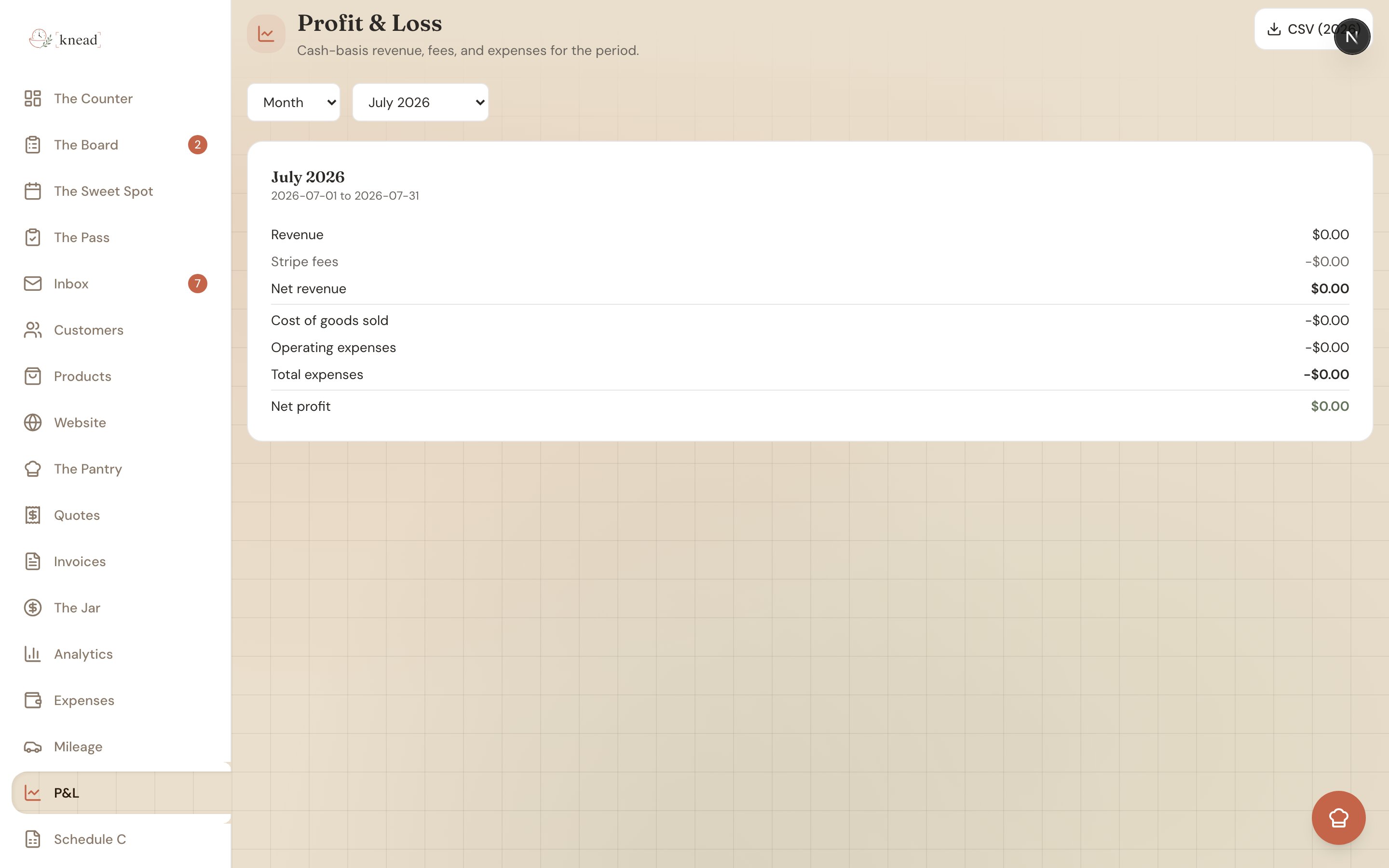
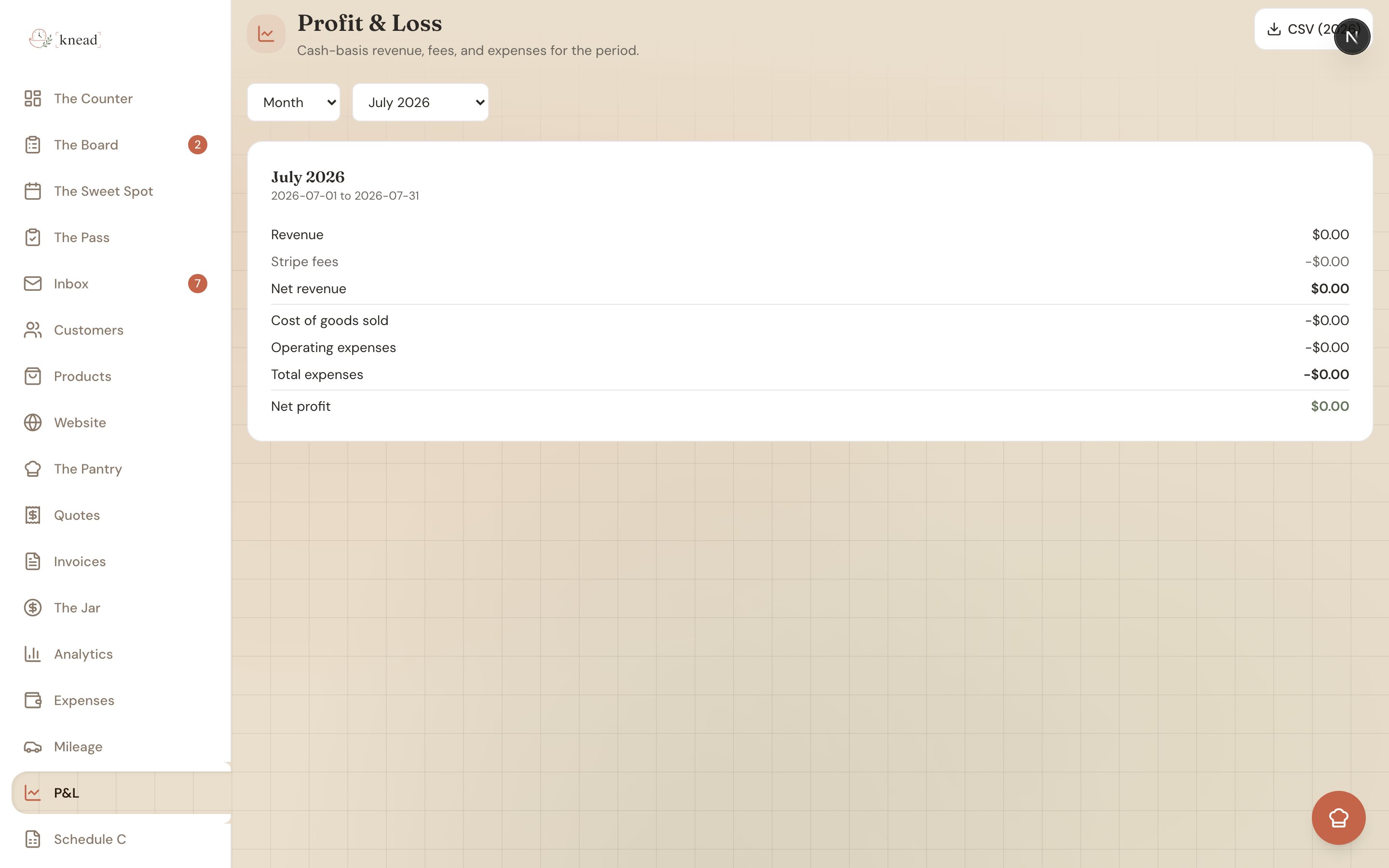
Tap P&L in the sidebar to open/reports/profit-loss. The page is titled “Profit & Loss” with the description “Cash-basis revenue, fees, and expenses for the period.”
Choosing a Period
Use the period picker to switch between Month, Quarter, and Year, then pick the specific month or year. Quarters are labeled by their months — Q1 (Jan–Mar), Q2 (Apr–Jun), Q3 (Jul–Sep), and Q4 (Oct–Dec) — so there’s no guessing which quarter is which.Reading the Report
The report rows appear in this order:
Your Net profit shows in green when it’s zero or positive, and in terracotta when it’s negative.
Below the totals, you’ll find a COGS by category breakdown and an Operating expenses by category breakdown so you can see exactly where the money went.

Drilling Into a Row
You don’t have to take the totals on faith. The Revenue row, the Stripe fees row, and each category row are expandable — click one open to see the individual transactions behind it. Each underlying line shows:- The date
- The client (for revenue) or vendor (for expenses)
- Whether it was Card or Manual
- The amount
Exporting for Your Accountant
Tap the CSV button to download the year’s figures asprofit-loss-{year}.csv — a spreadsheet you can hand straight to your bookkeeper. The same one-tap CSV export lives on your Expenses, Mileage, and Jar → Payments screens too. See Exporting Reports for Your Accountant.
What “Cash-Basis” Means
Cash-basis accounting counts money when it actually changes hands. So an invoice you sent in March but got paid for in April shows up in April’s P&L — not March’s. This keeps the report tied to the cash that’s really in your account.Good to know: Because the P&L is cash-basis, an unpaid invoice doesn’t count as revenue until the payment lands. That’s why your P&L can differ from the total of invoices you’ve sent.
Related Articles
Still need help? Contact us