

1. Set up your profile
Head to Settings > Business Profile and fill in your business name, slug (this becomes your public URL), timezone, and service area. This is what customers see when they visit your order page. Full guide →2. Add your first product
Go to Products and click Add Product. Give it a name, set a price and sell unit (each, dozen, half dozen — however you sell it), and optionally build a recipe inline so Knead can calculate your true cost.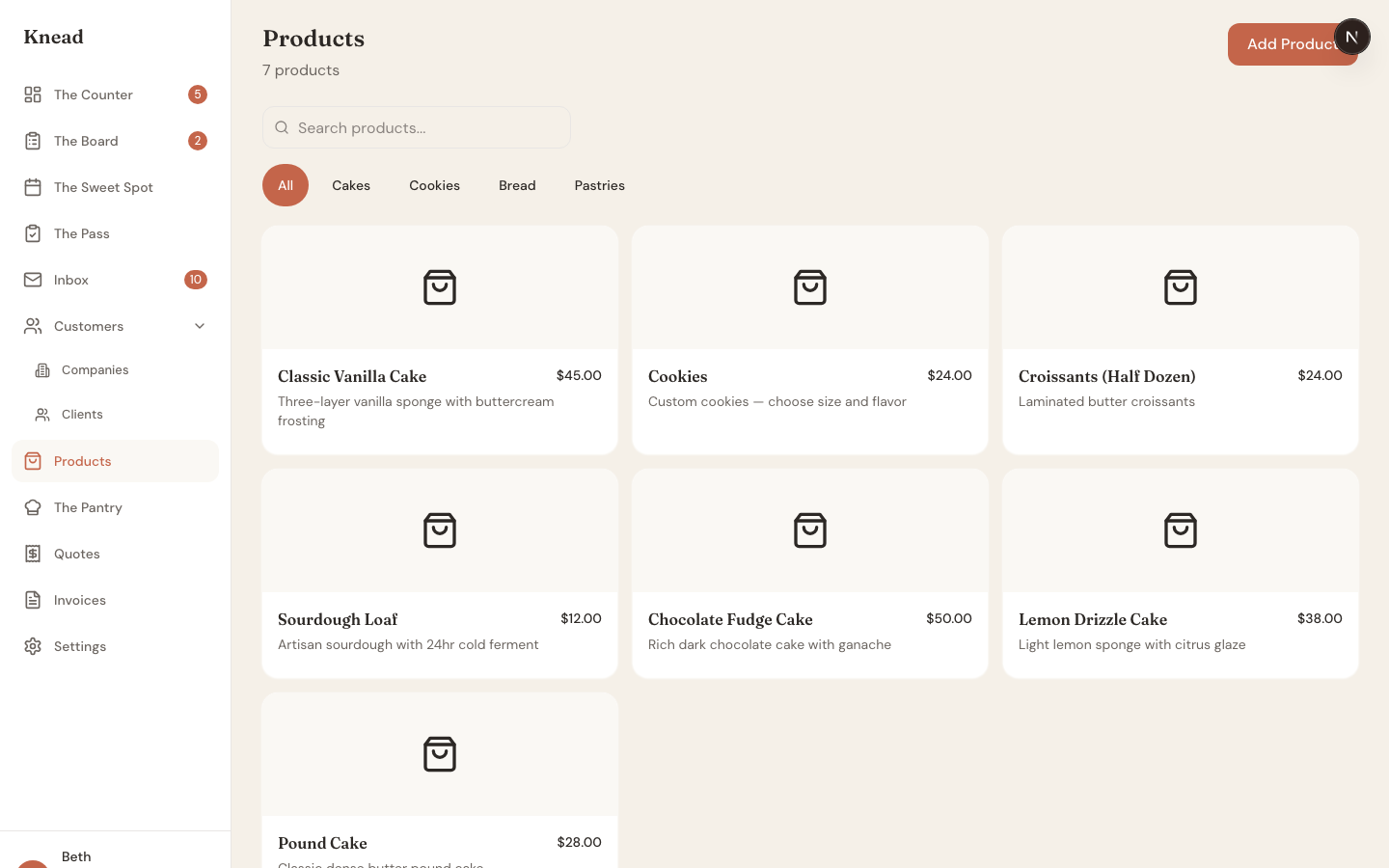
3. Share your order link
Your Board is a public order form. Share the link on your website, Instagram bio, or business cards. Customers browse your products, pick a delivery date, and submit a request — no back-and-forth needed.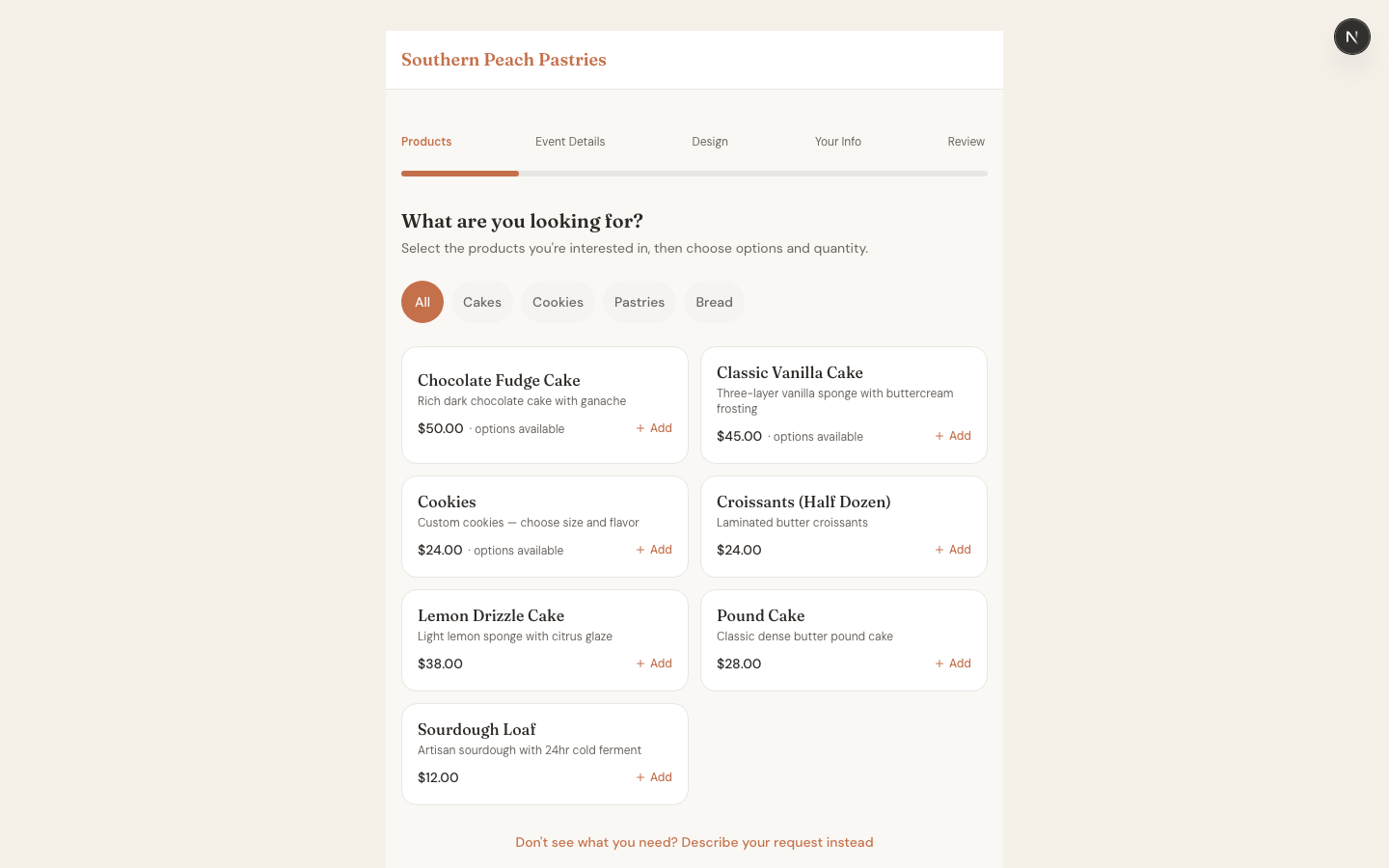
4. Accept your first order
When an order comes in, it lands on your Counter (your dashboard) as an enquiry. Review the details, confirm the date, and accept it. From there you can send a quote, create an invoice, or jump straight to production.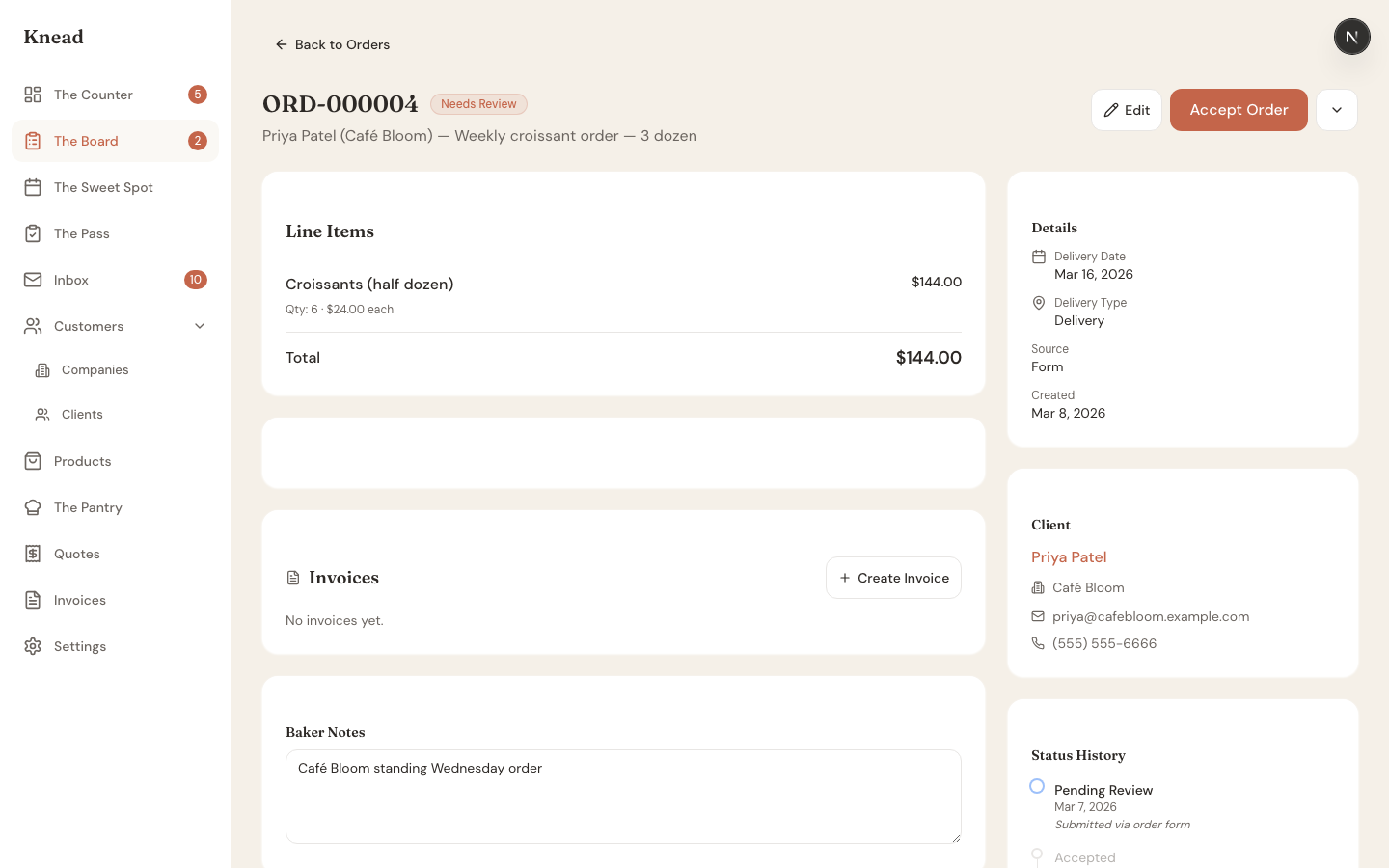
5. Check your capacity
Open The Sweet Spot — your calendar and capacity planner. It shows what you’ve committed to each day and how much room you have left. This is how you answer the most important question: “Can I take this order?”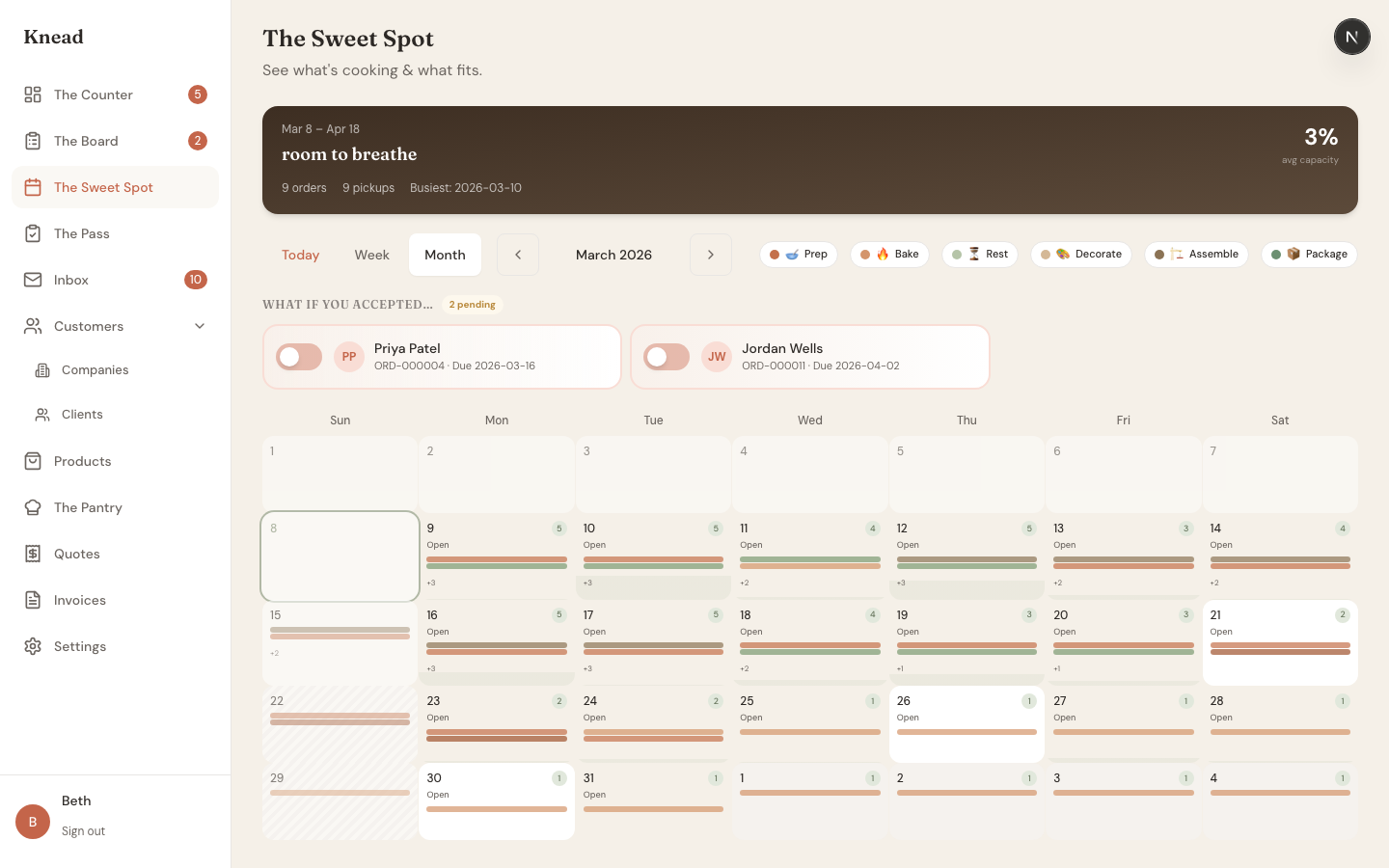
6. Set up your inbox
Your inbox email address is ready the moment you sign up. Share it with customers, or forward your existing business email to it. When customers email you about orders, Knead reads the message and tells you whether you have capacity before you even reply.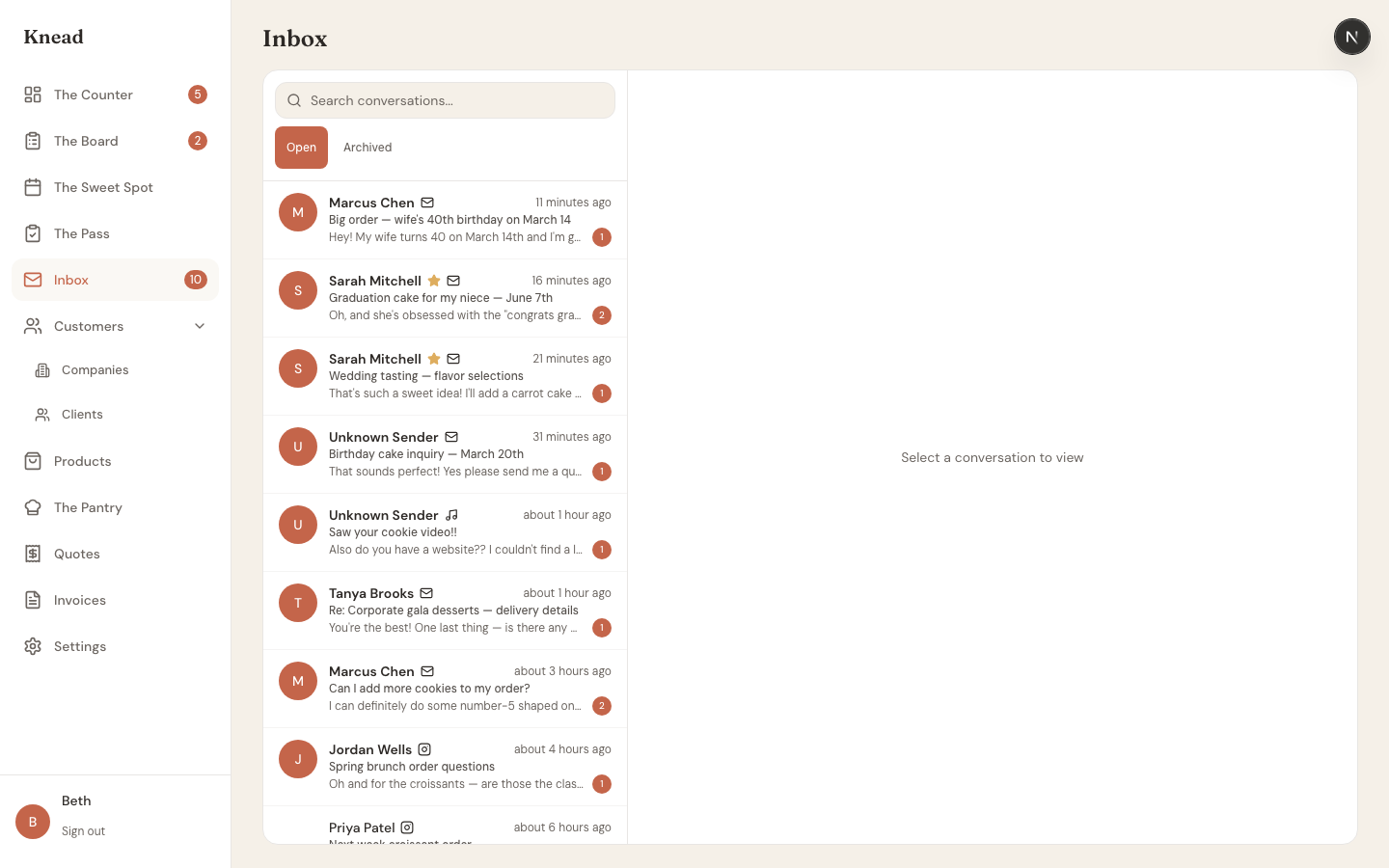
Your home base: The Counter
After setup, this is where you start each day. The Counter shows everything that needs your attention — new enquiries, upcoming deliveries, low stock alerts, and recent activity.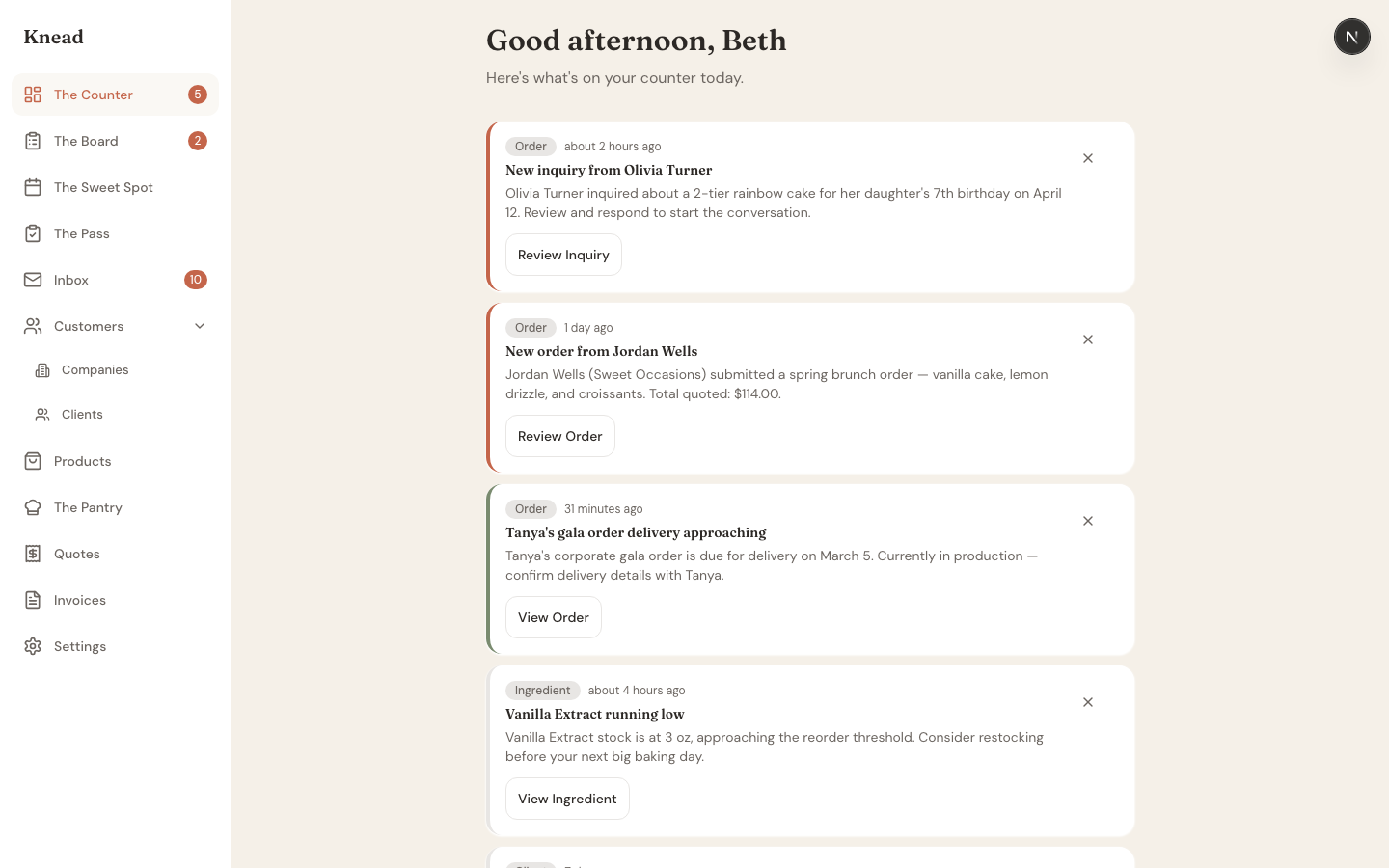
What’s next?
| Tool | What it does |
|---|---|
| The Counter | Your dashboard — upcoming orders, revenue, and what needs attention |
| The Board | Your public order form that customers use to place requests |
| The Sweet Spot | Calendar and capacity planner — see your week at a glance |
| The Pantry | Ingredient tracking, costs, and stock levels |
| The Pass | Production checklists for bake day |
| Inbox | All customer messages in one place with Order Intelligence |
Built by a baker
Knead was co-founded by Beth, a home baker who grew her business from a home kitchen. Every feature — from sell-unit pricing to capacity planning — comes from real experience, not hypothetical user stories.Still need help? Contact us